Eject Water from Your Phone Speaker — Free Online Tool
Your phone went for an unintended swim and now everything sounds like it's playing underwater. Water trapped in the speaker chamber and grille holes is almost certainly the cause. The good news: in most cases, fix my speaker water tools can help — playing low-frequency sound pulses vibrates the speaker membrane hard enough to agitate and push droplets out. It's the same principle as the water eject feature on the Apple Watch, and it works in any browser with no app to install.
Before you start
- Turn your volume up to maximum.
- Place the phone speaker-side down on a flat surface.
- Unplug headphones and turn off Bluetooth.
- Remove earbuds from your ears.
Plays a 165 Hz pulsing tone (1 s on / 0.4 s off) that vibrates water out of the speaker.
Sweeps a tone from 20 Hz to 500 Hz to shake dust loose from the speaker grille.
0:00 / 0:30
Cycle 1 of 1
Cycle complete 🎉
Did it help?
- Run one more cycle with your volume turned all the way up.
- If water got in, wait 20–30 minutes so it can dry, then try again — see what to do when your phone speaker isn’t working after water.
- If it sounds muffled, lint or dust may be blocking the grille — read why phone speakers sound muffled.
- Gently clean the speaker grille as shown in how to clean a phone speaker — never poke anything sharp into it.
- Still no luck? It may be hardware damage — contact us and tell us what happened.
Safety note: stop immediately if you hear rattling or distortion. Cleaning sounds can loosen water and dust, but they can’t repair hardware damage.
Why low-frequency sound pushes water out
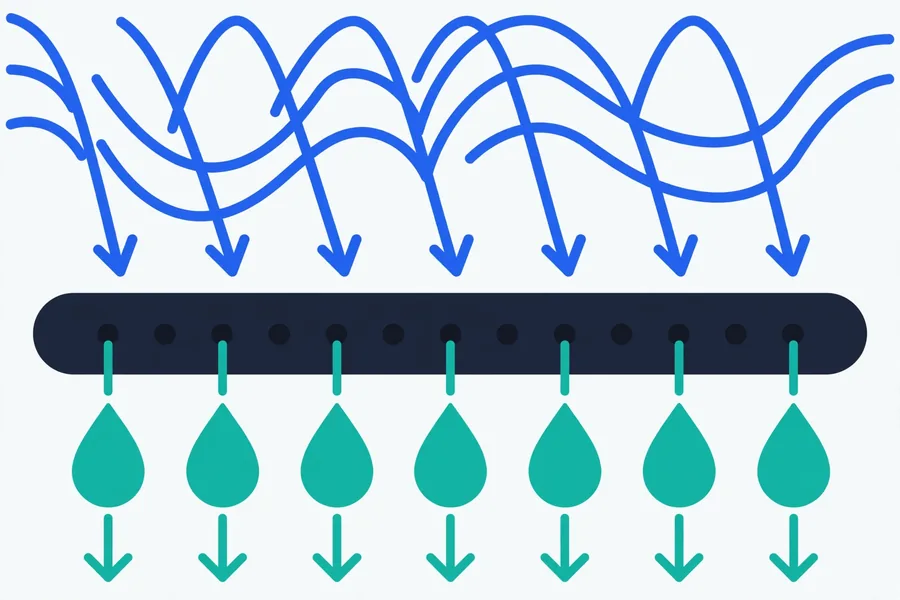
A phone speaker makes sound by moving a thin membrane back and forth. At normal speech or music frequencies (hundreds to thousands of Hz), the membrane barely moves — just enough to push air. But at low frequencies around 165 Hz, the membrane swings much farther with each cycle. Water droplets trapped in the grille or sitting on the membrane have surface tension holding them in place; the larger, slower vibrations break that grip and fling the droplets loose. Gravity does the rest — which is why you always hold the speaker facing down.
This method may help loosen water, but it isn't magic and it isn't instant. Droplets tucked deep in the chamber or water that's started corroding contacts won't respond. And it cannot repair hardware damage — if the phone was submerged for a long time, the real risk is corrosion and short circuits, not just sound quality.
Step-by-step: eject water from your speaker
- Don't charge the phone yet. If it got seriously wet, power it off if possible and keep the charging port empty until you're confident it's dry. Charging a wet port risks a short.
- Wipe the outside dry. Use a soft, lint-free cloth. Shake the phone gently with the speaker (usually the bottom edge) facing down to get the obvious water out.
- Turn the volume to maximum. The cleaning sound needs the membrane moving at full travel. Anything less than max is dramatically less effective.
- Hold the speaker facing down — over a towel is fine.
- Play the water eject mode on the tool. It pulses around 165 Hz for about a minute per cycle.
- Between cycles, shake gently and wipe the grille with the cloth. You'll often see tiny droplets come out.
- Run 2–4 cycles, testing with a normal ringtone or a music track after each one. Stop when the sound is back to normal, or when you're getting no further improvement.
Safety note
These are normal playback-level sounds — like loud music. But stop if you hear rattling, harsh buzzing, or heavy distortion; that suggests the speaker is already damaged and sound won't fix it. Don't use a hair dryer on high heat to speed things up — heat can damage batteries and adhesives. Never insert anything into the grille holes.
What if it's still muffled?
Water hidden deeper inside the phone can take up to 24 hours to evaporate on its own. If sound is improving cycle by cycle, keep going and then let the phone air-dry in a well-ventilated room, standing upright so moisture can drain. Now for the most common myth:
The rice myth — and what actually works
Putting your phone in a bowl of rice is the most repeated drying advice on the internet, and it's mostly useless. Rice absorbs moisture far too slowly to matter, and rice dust and starch can get into the speaker grille and charging port, making things worse. What actually helps:
- Silica gel packets — the little pouches that come in shoe boxes. Seal the phone in a bag with several packets; silica absorbs moisture far faster than rice.
- Airflow — a fan blowing room-temperature air over the phone, or simply leaving it in a dry, ventilated room.
- Time — patience is genuinely the best desiccant. Give it 24 hours before assuming the worst.
If the sound is still muffled, crackling, or missing entirely after a full day of drying, that's likely corrosion or hardware damage — water plus electricity corrodes metal contacts fast. Take it to a repair shop. Continuing to play cleaning sounds at that point won't help and could further stress an already damaged driver.
Device-specific tips
- iPhone: Modern iPhones have stereo speakers (bottom + earpiece). Water in the earpiece speaker affects calls, not just media. The iPhone guide covers layouts by model and how water-resistance ratings actually work.
- Samsung & Android: Many Androids have bottom-firing speakers with visible grille holes that trap water visibly. The Android guide shows how to use built-in diagnostics to test speakers.
- Dust instead of water? If your speaker went muffled gradually rather than after getting wet, the dust cleaning guide is the right page — the sweep mode and technique differ slightly.
- Curious about the science? See how it works.
FAQ
How does fix my speaker water eject actually work?
Low-frequency sound (around 165 Hz) makes the speaker membrane move much farther than normal audio. That vigorous vibration breaks the surface tension holding water droplets in the grille and chamber, shaking them loose while gravity pulls them out. It's the same principle as the Apple Watch's water eject feature.
How many times should I run the water eject sound?
Run 2–4 cycles of about a minute each, with a shake and wipe between cycles. Test with a normal ringtone after each one. If the sound is steadily improving, keep going up to about 6 cycles. If there's no improvement at all after 3–4, further cycles are unlikely to help — let the phone air-dry for 24 hours instead.
Is it safe to play the water eject sound at full volume?
For a healthy speaker, yes — it's normal playback-level sound, like loud music. Stop immediately if you hear rattling, buzzing, or heavy distortion, which signals existing damage. Don't use this as a substitute for drying: let a soaked phone air-dry before and after.
Should I put my wet phone in rice?
No. Rice absorbs moisture too slowly to help and can introduce starch dust into the speaker grille and ports. Silica gel packets in a sealed bag, good airflow, and 24 hours of patience are far more effective.
My phone is water resistant — why does it sound bad?
Water resistance keeps water away from internal components; it doesn't stop droplets from sitting in the speaker grille. Muffled sound right after water exposure is normal and usually temporary — the water is outside the sealed interior, in the acoustic chamber. Eject sounds and drying fix it in most cases.
What if the speaker still sounds bad after drying for a day?
Then the water likely caused corrosion or the speaker was already damaged. Signs include crackling, one side silent, or no sound at all. A repair shop can replace a speaker driver — it's usually an inexpensive fix. See when to see a repair shop for the full checklist.