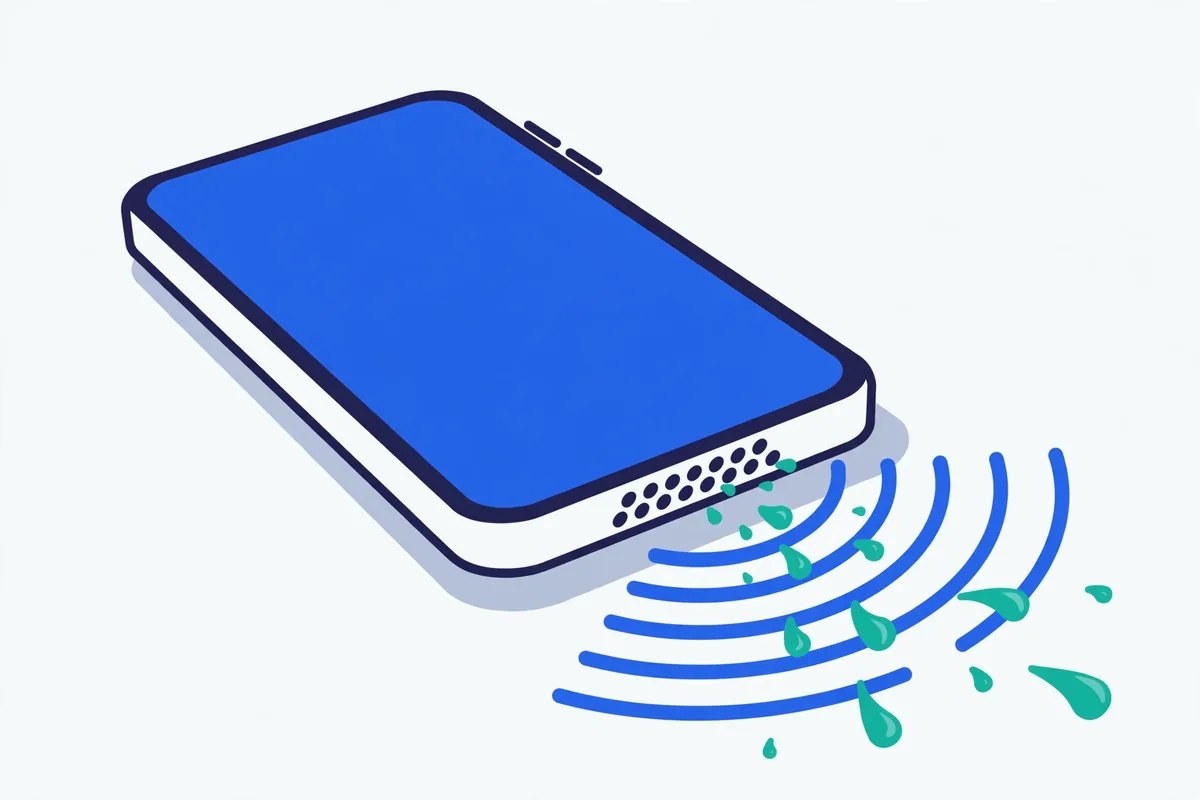
Got caught in the rain with your phone? Dropped it in the sink? Or maybe your speaker has slowly gone muffled and quiet for no obvious reason. FixMyPhoneSpeaker is a free online tool that plays specially tuned cleaning sounds through your phone's speaker — low-frequency vibrations that can help loosen trapped water droplets or shake out dust sitting on the speaker membrane. No app download, no signup, no permissions. Just press play and let physics do its thing.
Before you start
- Turn your volume up to maximum.
- Place the phone speaker-side down on a flat surface.
- Unplug headphones and turn off Bluetooth.
- Remove earbuds from your ears.
Plays a 165 Hz pulsing tone (1 s on / 0.4 s off) that vibrates water out of the speaker.
Sweeps a tone from 20 Hz to 500 Hz to shake dust loose from the speaker grille.
0:00 / 0:30
Cycle 1 of 1
Cycle complete 🎉
Did it help?
- Run one more cycle with your volume turned all the way up.
- If water got in, wait 20–30 minutes so it can dry, then try again — see what to do when your phone speaker isn’t working after water.
- If it sounds muffled, lint or dust may be blocking the grille — read why phone speakers sound muffled.
- Gently clean the speaker grille as shown in how to clean a phone speaker — never poke anything sharp into it.
- Still no luck? It may be hardware damage — contact us and tell us what happened.
Safety note: stop immediately if you hear rattling or distortion. Cleaning sounds can loosen water and dust, but they can’t repair hardware damage.
What does the tool do?
Your phone's speaker works by vibrating a thin membrane thousands of times per second to move air and create sound. That same vibration can be used in reverse: play the right frequencies and the membrane's movement shakes water droplets loose and dislodges fine dust. Our tool offers two cleaning modes:
- Water eject mode — pulses around 165 Hz, a deep tone designed to agitate and push out water trapped in the speaker grille and chamber. Same basic principle as the water eject feature on the Apple Watch.
- Dust sweep mode — a tone that gradually sweeps from 20 Hz up to 500 Hz, covering a wide range of frequencies so different particle sizes get shaken loose from the membrane and grille.
The tool may help when water or dust is physically sitting in or on the speaker. It cannot repair hardware damage — a cracked speaker, corroded connectors, or a blown driver need a repair shop. Be honest with yourself about what you're hearing: if the sound crackles constantly, one channel is dead, or there's no sound at all, that's a hardware problem, not a cleaning problem.
How to use it: 4 steps
- Turn your volume up to maximum. The cleaning effect comes from the speaker membrane moving as much as possible, which only happens at full volume.
- Point the speaker downward. For most phones, that means the bottom edge facing the floor. Gravity helps droplets and dust fall out as they loosen.
- Choose your mode. Pick water eject if your phone got wet (rain, splash, sink, toilet, pool). Pick the dust sweep if the sound has slowly become muffled over weeks or months.
- Run 2–4 cycles. Each cycle lasts about a minute. Between cycles, gently shake the phone with the speaker facing down and wipe the grille with a soft dry cloth. Test with a normal ringtone or music track after each cycle to check progress.
Safety note
These sounds play at normal playback levels — the same as listening to loud music — so they're safe for a healthy speaker. But stop immediately if you hear rattling, buzzing, or heavy distortion. That can mean the speaker is already damaged, and continuing won't fix it. Also stop if the speaker gets unusually hot. If your phone is still wet inside, don't charge it until it's dry.
Cleaning guides for your device
The technique is the same everywhere, but grilles, water resistance, and button layouts differ. We've written step-by-step guides for the most common devices:
- iPhone speaker cleaning guide — including which models have which speaker layouts and how water resistance ratings actually work.
- Samsung & Android speaker cleaning guide — bottom-firing vs stereo setups, and how to check for hardware faults in Android's diagnostics menus.
- Laptop speaker cleaning — desktop speakers, laptop grilles, and how to clean without forcing debris deeper.
- Earbuds & AirPods cleaning guide — tiny grilles need a gentler approach; sound plays a supporting role here.
Why a browser tool instead of an app?
Most "speaker cleaner" solutions on app stores want you to install an app that asks for permissions it doesn't need, shows ads between every tap, and takes up storage. This tool runs entirely in your browser: no install, no permissions, no storage, no background processes. It works the same on an iPhone, a Samsung, a Pixel, or a laptop — and you can read the full comparison here. Bookmark it now, while you need it; you'll want it fast the next time your phone takes a swim.
Curious about the science? Our how it works page explains the physics of low-frequency cleaning sounds, what's safe, and where the limits are.
FAQ
Does FixMyPhoneSpeaker actually work?
It can help when water or dust is physically blocking or sitting on the speaker. The low-frequency vibration genuinely moves droplets and particles — it's the same principle behind the water eject feature on the Apple Watch. But it won't fix hardware damage, corrosion, or a dead speaker. Think of it as a first step: quick, free, and worth trying before anything else.
Is it safe for my phone's speaker?
Yes, for a healthy speaker. The sounds are played at normal maximum-volume levels, like loud music. Stop if you hear rattling, harsh buzzing, or distortion — that's a sign of an existing problem, not something the tool caused, and continuing won't help.
How long does it take?
One cleaning cycle is about a minute. Most people run 2–4 cycles with short breaks between, shaking the phone speaker-down each time. Plan on 5–10 minutes total. If there's been serious water exposure, let the phone air-dry for up to 24 hours afterward.
Does it work on both iPhone and Android?
Yes. Any device with a working speaker and a web browser can use it — iPhone, Samsung, Pixel, other Android phones, tablets, and laptops. See the iPhone guide and Samsung & Android guide for device-specific tips.
What if my speaker is still muffled after trying?
First, make sure the phone is fully dry — water hidden deeper inside the chamber can take a day to evaporate. Gently brush the grille with a soft, dry toothbrush to clear compacted dust. If it's still muffled, quiet on one side, or crackling, that's likely hardware damage or corrosion, and a repair shop is the right next step. Our water eject guide and dust cleaning guide cover the full troubleshooting ladder.